Summary & Outlook

FAIR & Reproducible Teaching with Quarto & Git
Course at University of Hamburg
Slides | Source

License: CC BY 4.0

16:00

1 Summary & Outlook

How are you now?

Schedule

Day 1

Day Date Time Title
1 2026-03-20 09:30 - 10:00 Welcome & Introduction
1 2026-03-20 10:00 - 10:30 Quarto: Introduction
1 2026-03-20 10:30 - 10:45 Quarto: Presentations
1 2026-03-20 10:45 - 11:00 Git: Setup & Configuration
1 2026-03-20 11:00 - 11:15 Command Line
1 2026-03-20 11:15 - 12:00 Git: Basics
1 2026-03-20 12:00 - 13:00 Lunch Break
1 2026-03-20 13:00 - 14:00 Git: Remotes
1 2026-03-20 14:00 - 15:00 Git: Collaboration
1 2026-03-20 15:00 - 15:30 Quarto: Publication to GitHub Pages
1 2026-03-20 15:30 - 16:00 Git: Tags & Releases

Tasks

In this session, you will work on the following tasks:

  1. Reading: Read the chapter(s) ?meta:reading in the Version Control Book.
  2. Implementation: Try out the commands in the chapter.
  3. Exercises: Work on the exercises.

As always:

  1. Try out the commands of this session and play around with them.
  2. Check whether you have achieved the learning objectives.
  3. Ask questions!

Objectives

Welcome & Introduction

💡 You know what reproducibility is.
💡 You can argue why reproducibility is essential for research.
💡 You know what version control is.
💡 You can argue why version control is useful (for research).
💡 You can explain the difference between Git and GitHub.
💡 You understand the relevance of creating teaching materials in accordance with FAIR principles.
💡 You can develop reproducible teaching materials collaboratively using tools like Quarto and Git(Hub).

Quarto: Introduction

💡 You know what Quarto is and what it can be used for.
💡 You can create a new Quarto file and render it to HTML.
💡 You understand the basics of Markdown syntax (text formatting, headings, lists, links).
💡 You can add a YAML header to a Quarto file to configure title, author, and output format.
💡 You can integrate Quarto with Git by tracking .qmd files and ignoring generated output files.

Quarto: Presentations

💡 You can create a Quarto presentation using the reveal.js format.
💡 You can write slides using Markdown syntax (headings, text, images, code).
💡 You can use fragments to reveal content step-by-step.
💡 You can add speaker notes to your slides.
💡 You can customize your presentation with themes and layout options.

Objectives (continued)

Git: Setup & Configuration

💡 You know how to set up Git for the first time
💡 You have set up Git on your computer
💡 You know how to configure your username and email address in Git
💡 You understand the difference between the three Git configuration levels
💡 You know how to set up a new RStudio Project for Quarto

Command Line

💡 You can name the advantages of command-line interfaces.
💡 You can navigate directories using absolute and relative paths.
💡 You can use shortcuts like the tilde or dots to navigate your file system.
💡 You can apply arguments and flags to customize command-line commands.
💡 You can use wildcards (*) for file selection.
💡 You can combine command-line commands.

Git: Basics

💡 You can initialize a Git repository.
💡 You can check the status of a Git repository.
💡 You understand the difference between the staging area and a commit.
💡 You can stage and commit changes.
💡 You understand the difference between a commit message and a description.

Objectives (continued)

Git: Remotes

💡 You can create a remote repository.
💡 You can connect your local Git repository to a remote repository service like GitHub or GitLab.
💡 You can pull and push changes to and from a remote repository.
💡 You can clone a repository from a remote repository.

Git: Collaboration

💡 You know the purpose and components of a Pull Request.
💡 You know how to collaborate using the popular workflow strategy GitHub flow.
💡 You know the purpose and components of a README file.
💡 You can fork a repository.
💡 You can create a Pull Request from a forked repository.
💡 You can protect your main branch.

Quarto: Publication to GitHub Pages

💡 You can publish a Quarto website to GitHub Pages using GitHub Actions.
💡 You understand the difference between local and CI-based publishing.
💡 You can configure a GitHub Action for Quarto publication.
💡 You know how to set up custom domains for GitHub Pages.

Git: Tags & Releases

💡 You understand why Git Tags matter in version control and project management.
💡 You know the difference between lightweight and annotated tags and how to apply them.
💡 You can push and pull tags to a remote repository (e.g., GitHub).
💡 You understand how GitHub releases complement Git Tags.
💡 You can use Zenodo to archive your repository and make your work citable.

2 There’s more …

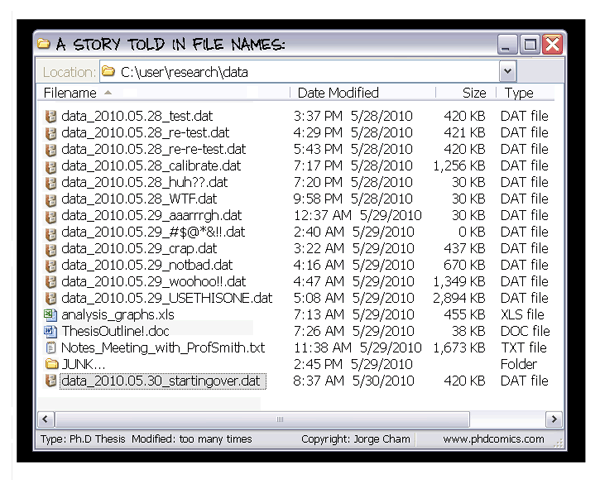
More challenges for reproducible scientific workflows

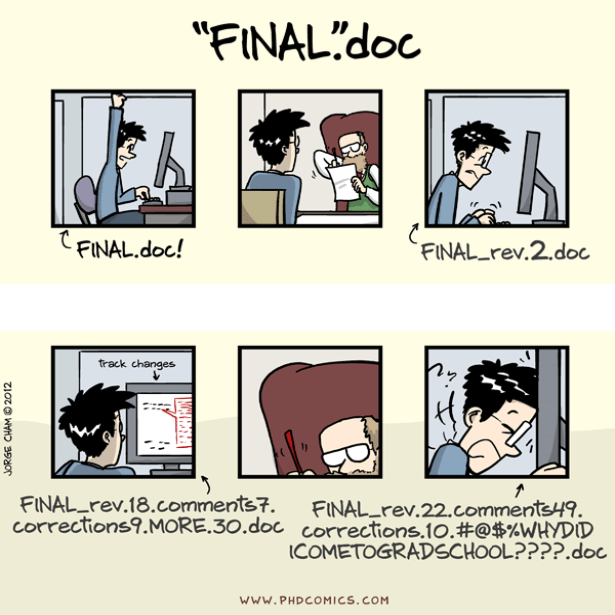
Version Control (with Git)
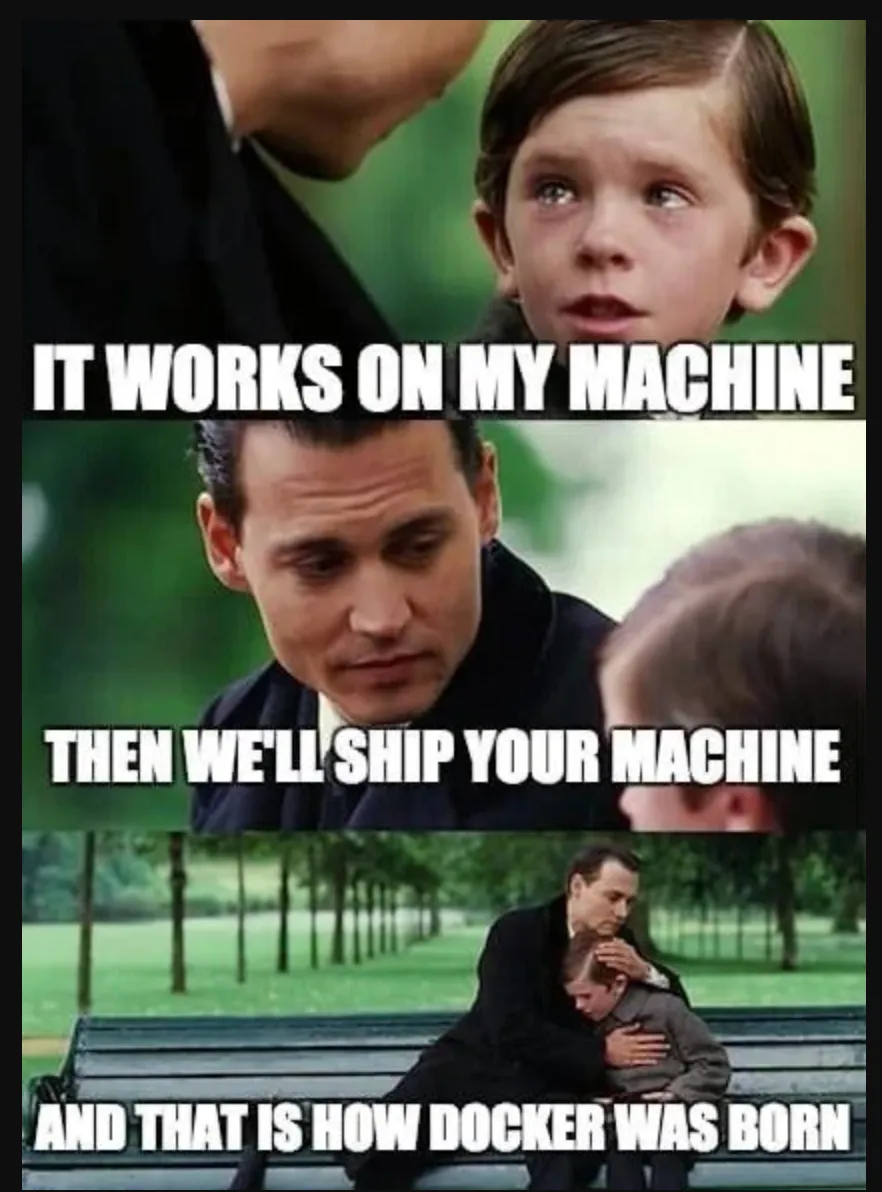
Computational Environments
Continuous Integration & Deployment (CI/CD)
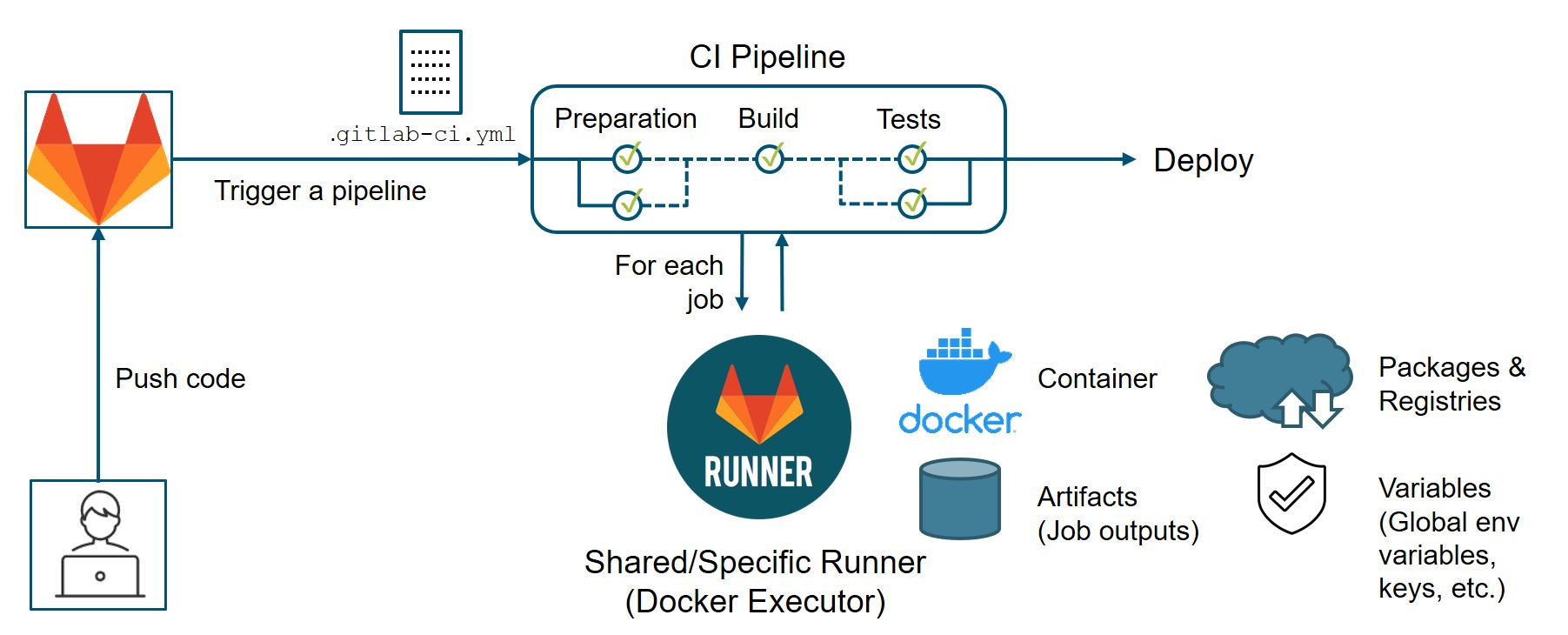
from Suresoft

Example: Course repository

  • Automated spell check
  • Rebuilding of project website

https://github.com/lnnrtwttkhn/fair-teaching-course/

3 Discussion

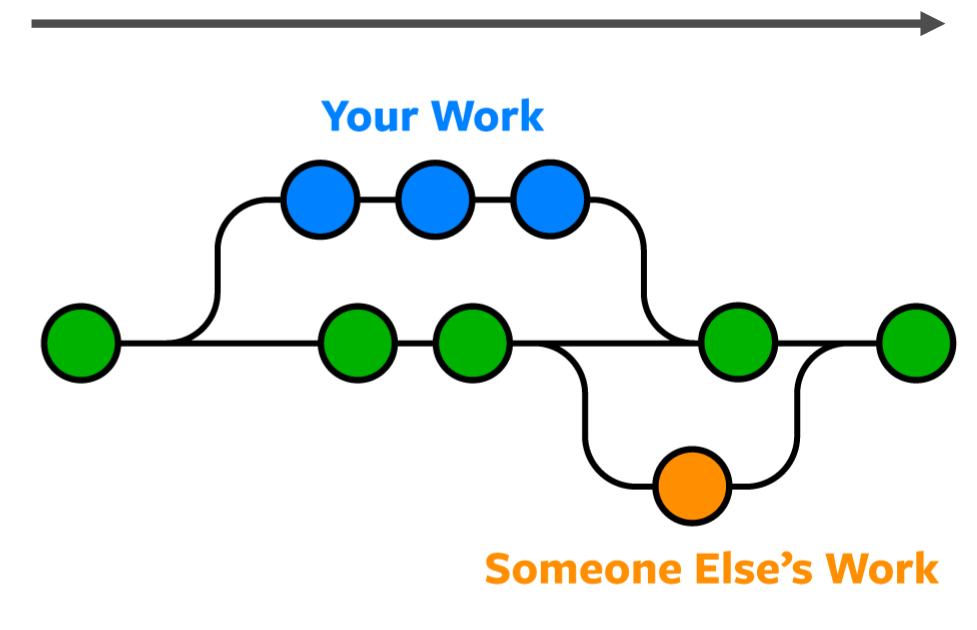
Science as distributed open-source knowledge development 1

How can we do better science?
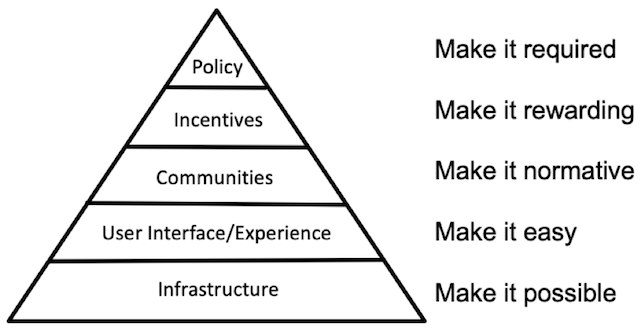
The long-term challenges are non-technical

  • open-source, avoiding commercial vendor lock-in
  • adopting new practices and upgrading workflows
  • moving towards a “culture of reproducibility” 2
  • changing incentives, policies & funding schemes

Technical solutions already exist!

  • Version control of digital research outputs (e.g., Git, DataLad)
  • Integration with flexible infrastructure (e.g., GitLab)
  • Systematic contributions & review (e.g., pull/merge requests)
  • Automated integration & deployment (e.g., CI/CD)
  • Reproducible computational environments (e.g., Docker)
  • Transparent execution and build systems (e.g., GNU Make)
  • Project communication next to code & data (e.g., Issues)
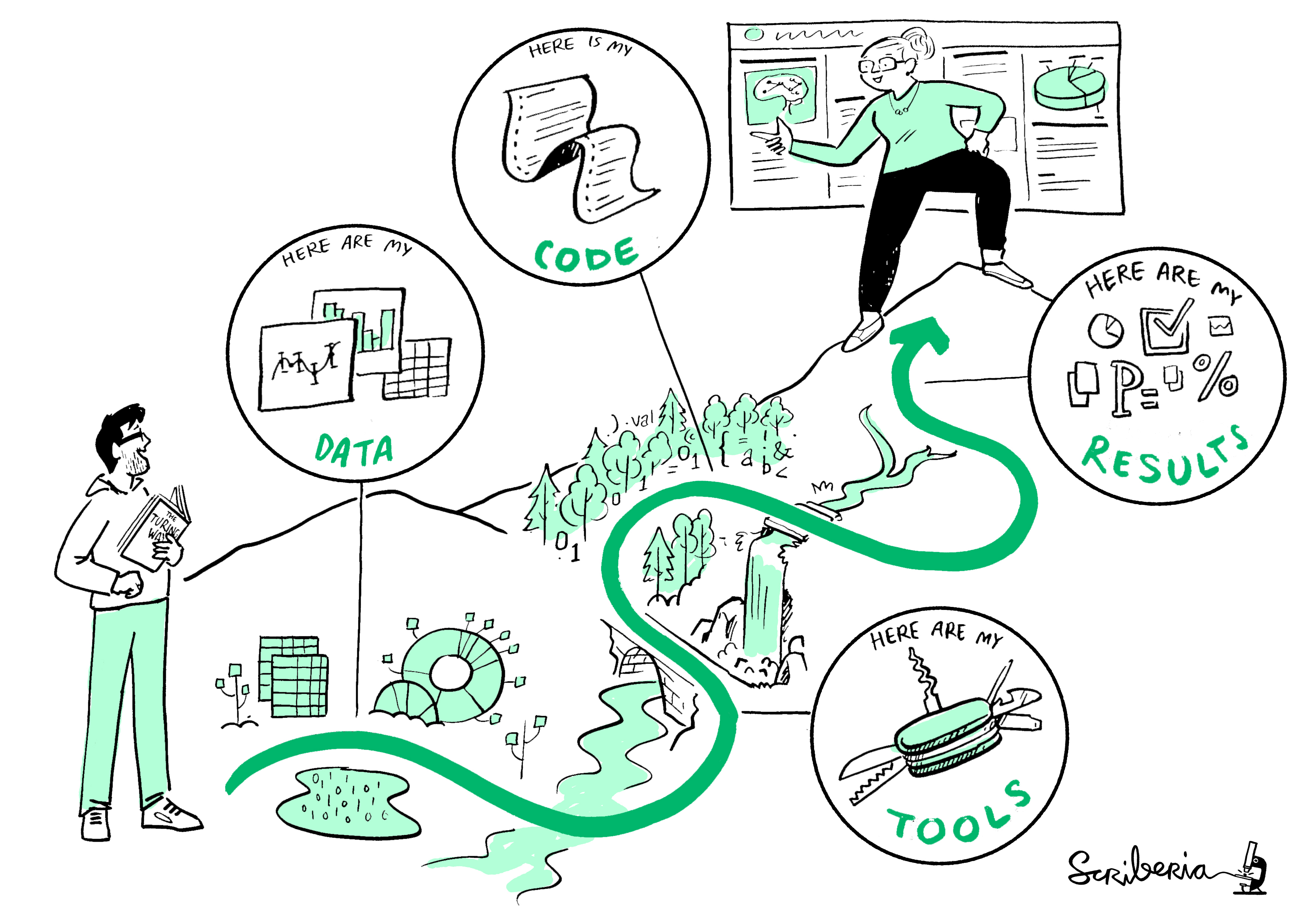
Reproducibility is a spectrum and a journey

4 Questions?

References

The Turing Way Community. (2022). The turing way: A handbook for reproducible, ethical and collaborative research. Zenodo. https://doi.org/10.5281/zenodo.3233853.

Footnotes

  1. inspired by Richard McElreath’s “Science as Amateur Software Development” (2023)

  2. see “Towards a culture of computational reproducibility” by Russ Poldrack, Stanford University