
| Day | Date | Time | Title |
|---|---|---|---|
| 2 | 2026-02-06 | 09:30 - 10:00 | Introduction to Version Control |
| 2 | 2026-02-06 | 10:00 - 12:00 | Version Control of Data with DataLad |
| 2 | 2026-02-06 | 12:00 - 13:00 | Lunch Break |
| 2 | 2026-02-06 | 13:00 - 14:00 | Data publication |
| 2 | 2026-02-06 | 14:00 - 16:00 | Integrating with data infrastructure at UHH (and beyond) |
| 2 | 2026-02-06 | 16:00 - 16:30 | Summary & Outlook |
Introduction to Version Control
Research Data Management for Psychology and Neuroscience
Course at University of Hamburg, RTG 2753: Emotional Learning and Memory
Slides | Source

09:30
Why we need version control …
… for code (text files) 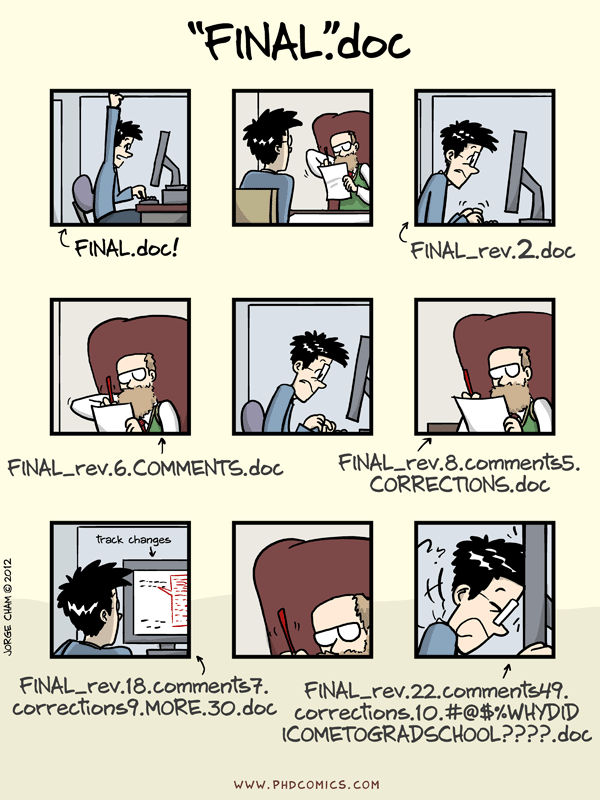
… for data (binary files) 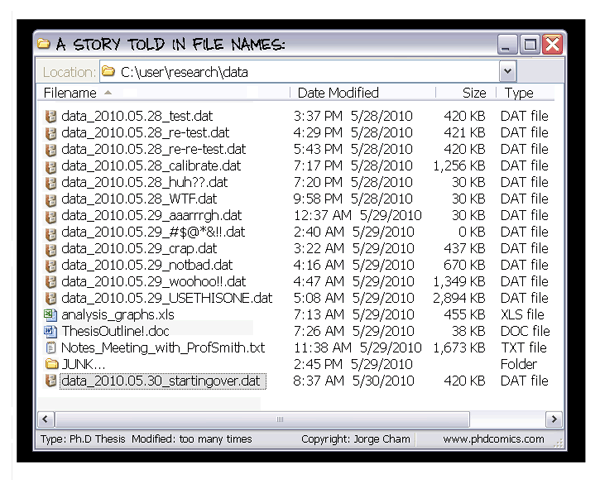
When everything is relevant …
… track everything.
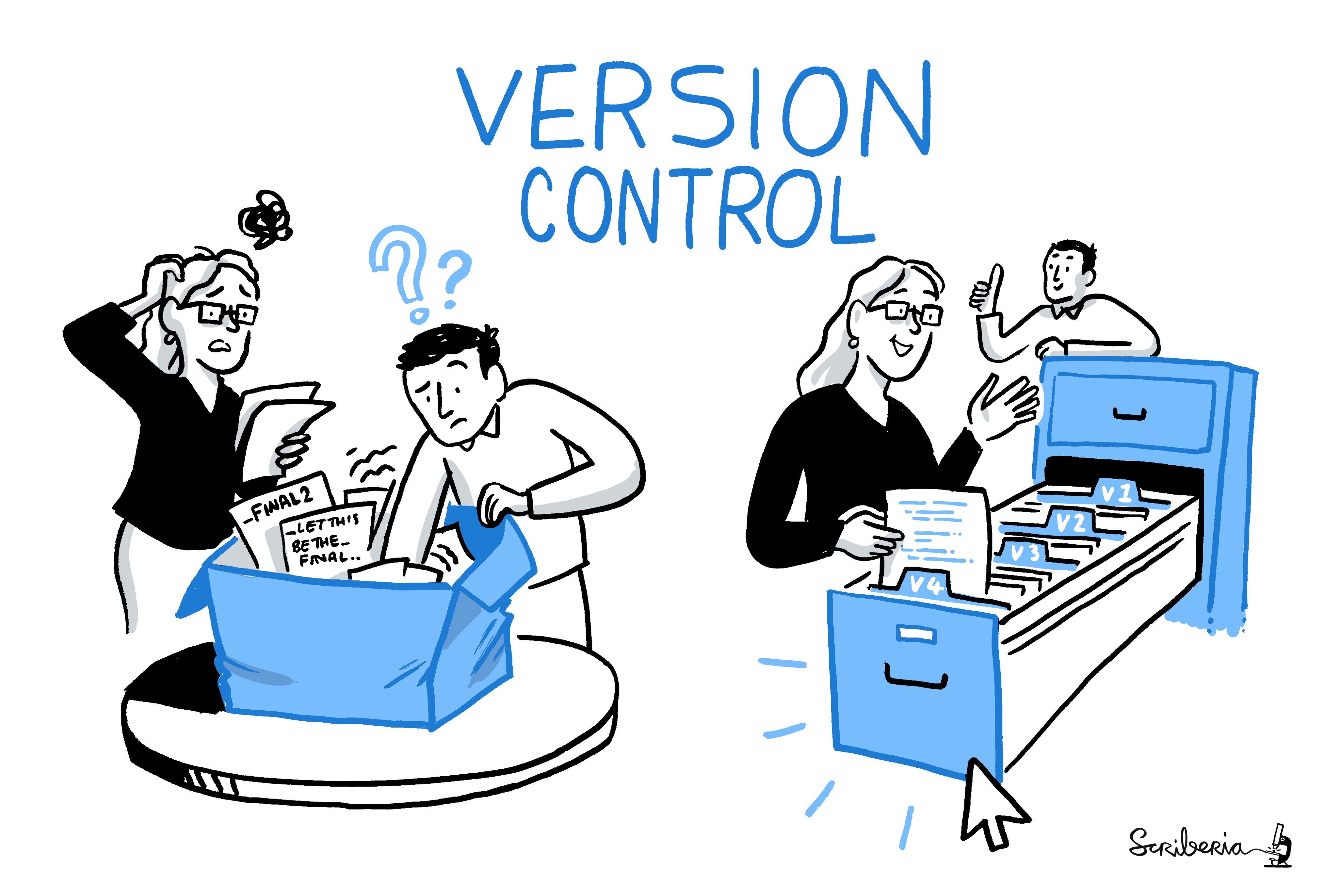
What is version control?
“Version control is a systematic approach to record changes made in a […] set of files, over time. This allows you and your collaborators to track the history, see what changed, and recall specific versions later […]” (Turing Way)
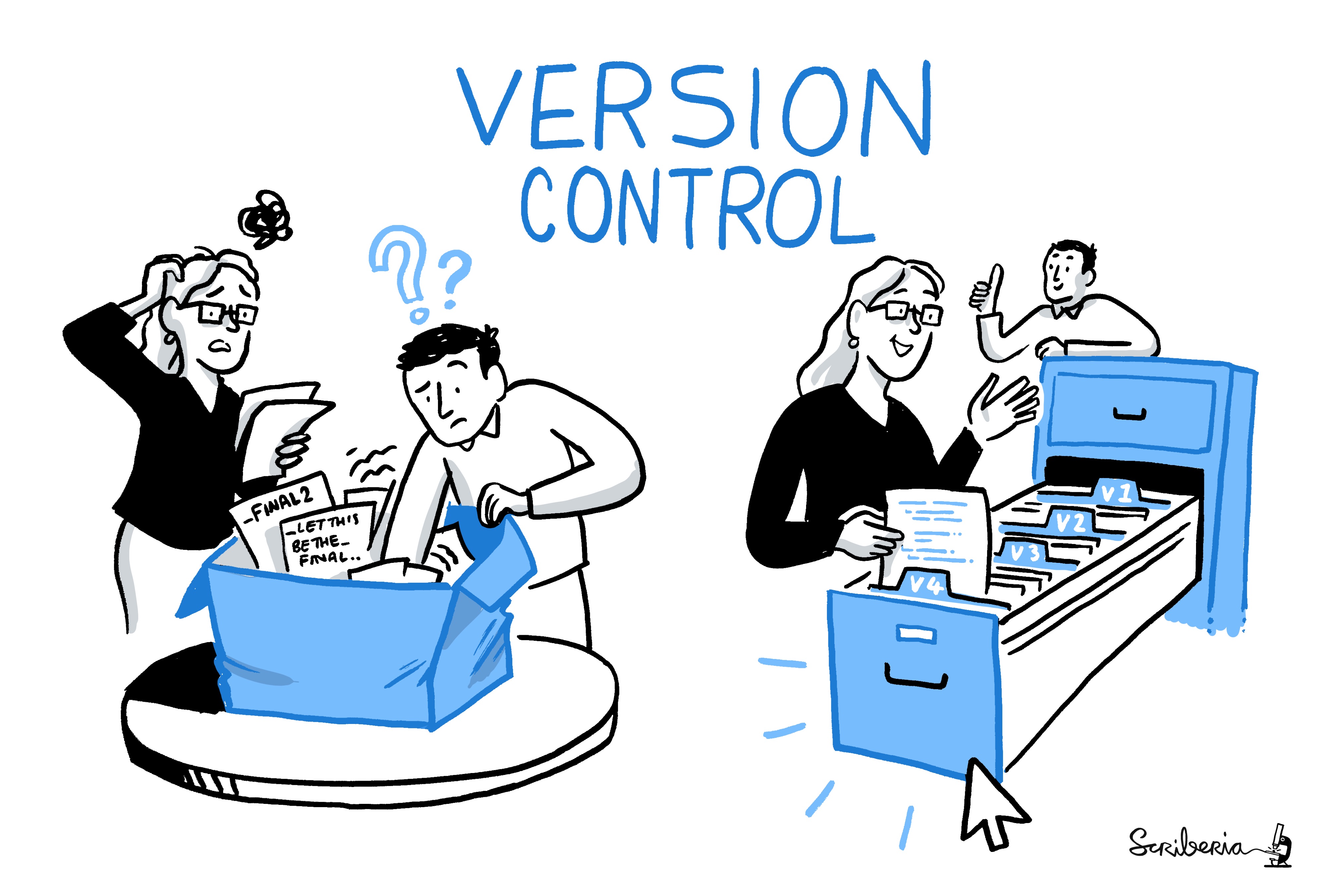
keep track of changes in a directory (a “repository”)
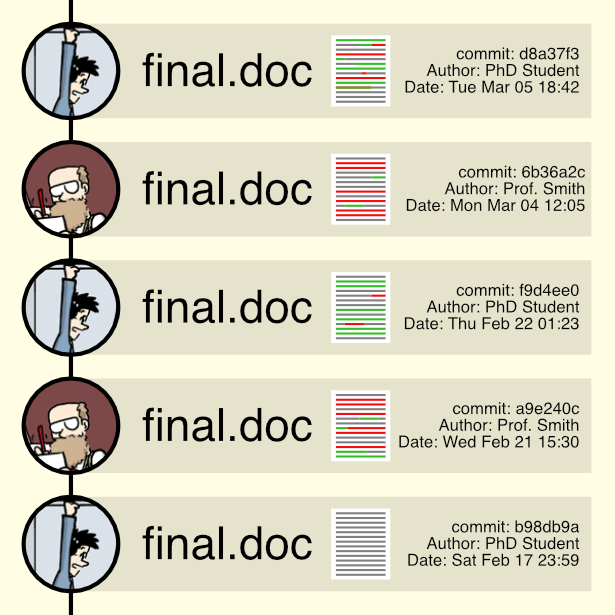
take snapshots (“commits”) of your repo at any time
know the history: what was changed when by whom
compare commits and go back to any previous state
work on parallel “branches” & flexibly “merge” them
“push” your repo to a “remote” location & share it
share repos on platforms like GitHub or GitLab
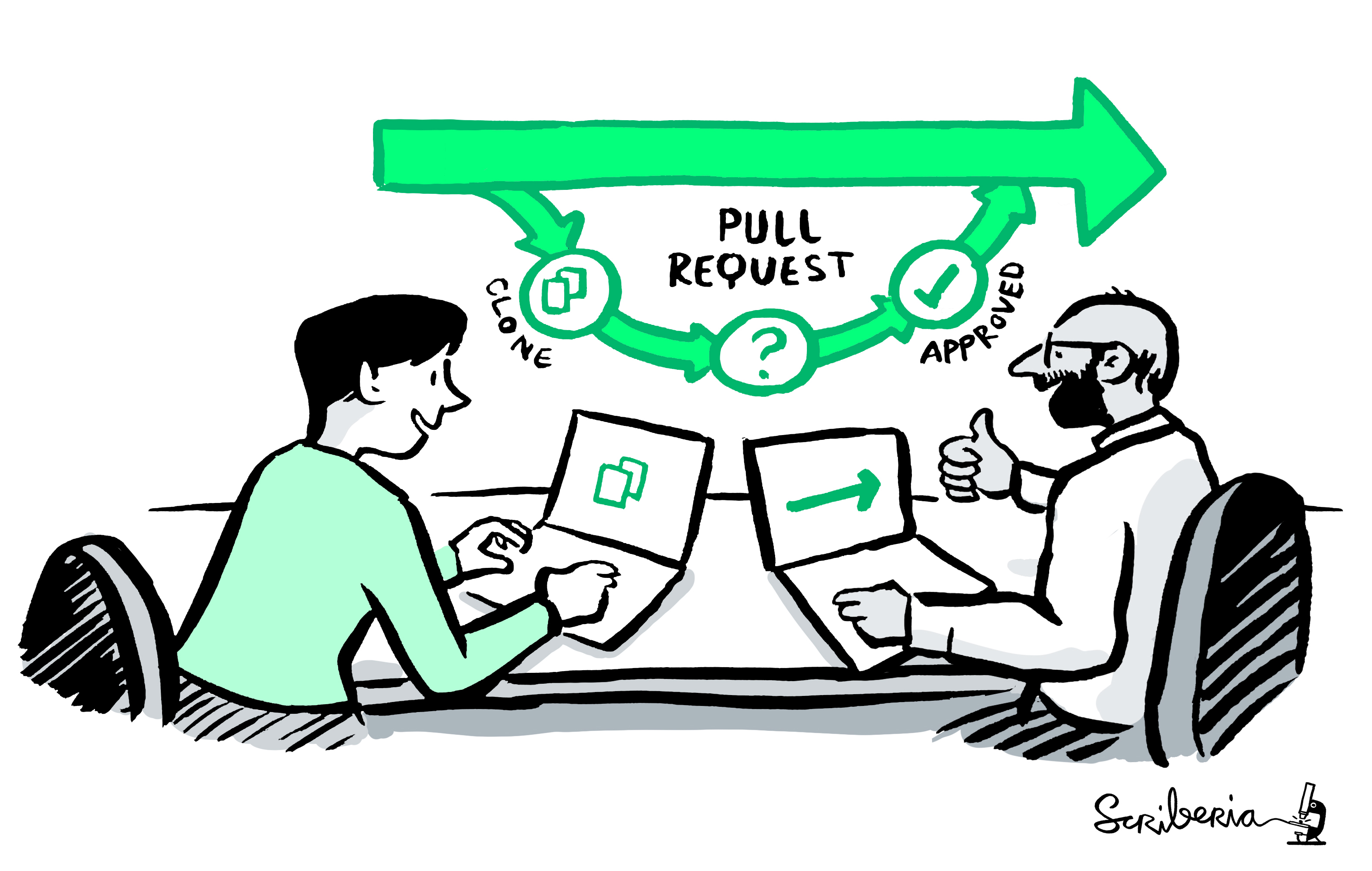
work together on the same files at the same time
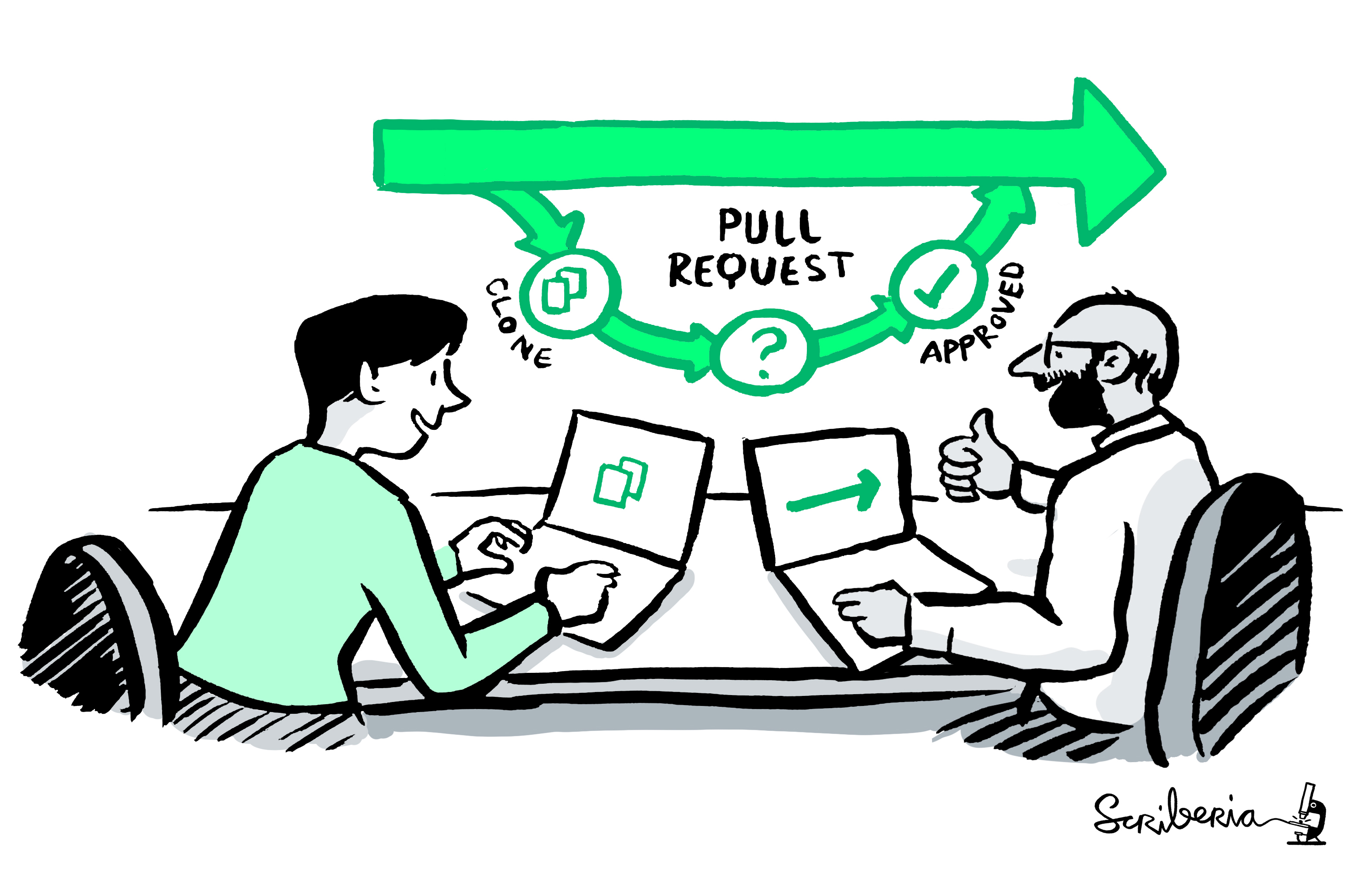
others can read, copy, edit and suggest changes
make your repo public and openly share your work
What are Git and DataLad?

- most popular version control system
- free, open-source command-line tool
- graphical user interfaces exist, e.g., GitKraken
- standard tool for most (all?) software developers
- 100 million GitHub users 1

- “Git for (large) data”
- free, open-source command-line tool
- builds on top of git and git-annex
- allows to version control arbitrarily large datasets 2
- graphical user interface exists: DataLad Gooey 3
What is GitHub?
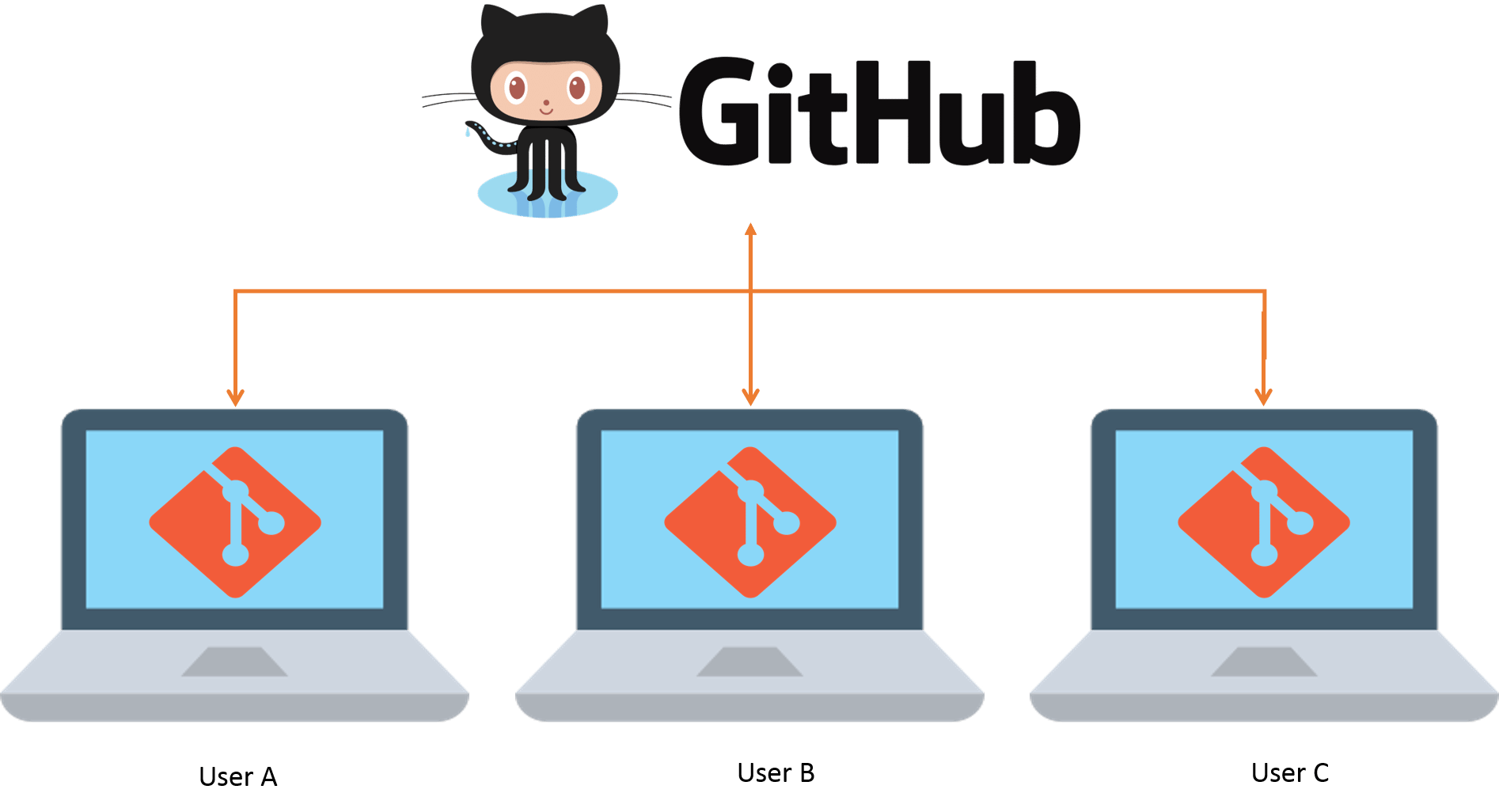
- cloud-based platform for version control using Git
- allows for collaboration on coding projects in real time
- hosts millions of public and private repositories
- supports both Git command line and GUI tools (e.g., GitHub Desktop)
- enables code sharing, project management, issue tracking, and continuous integration
- used by companies, open-source communities, and individual developers worldwide
- 100 million users 4
Goal
From this …
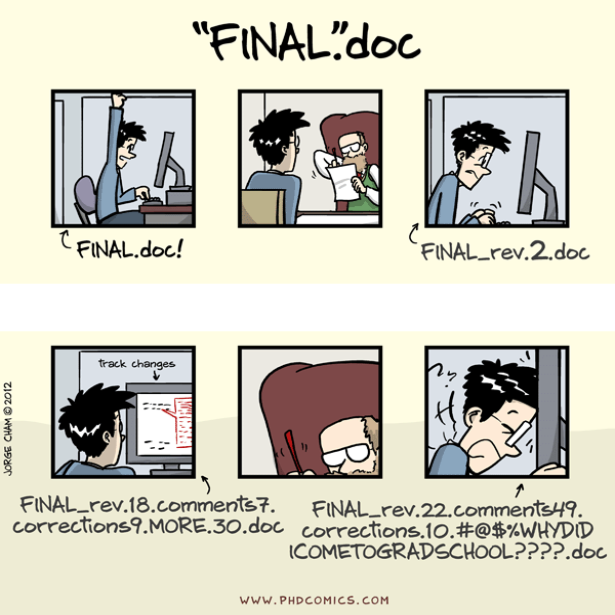
To this …
Footnotes
(Source: Wikipedia)
see DataLad dataset of 80TB / 15 million files from the Human Connectome Project (see details)
but apparently not maintained anymore
(Source: Wikipedia)
pull requests on GitHub, merge requests on GitLab